Help and Support for
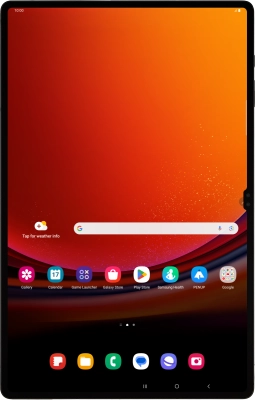
Samsung Galaxy Tab S9 Ultra 5G
Android 13
Choose a help topic
I can't receive voice messages on my Samsung Galaxy Tab S9 Ultra 5G Android 13
Cause 3 of 4: Your voicemail hasn't been activated
To receive voice messages, you need to activate your voicemail.
Solution: Contact customer services to activate your voicemail.