
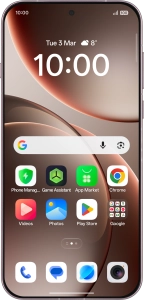
OPPO Find X9 Pro 5G
Android 16
Extend the battery life
Some functions on your phone use a lot of power and therefore significantly reduce the battery life. You can reduce the power consumption by turning on low power mode.

1. 1. Find "Battery"
Slide your finger downwards starting from the top right side of the screen.

Press the settings icon.

Press Battery.

2. 2. Extend the battery life
Press the required low power mode to turn on the function.

3. 3. Return to the home screen
Slide your finger upwards starting from the bottom of the screen to return to the home screen.