
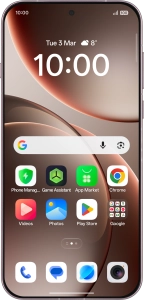
OPPO Find X9 Pro 5G
Android 16
Select dual SIM settings
When you insert two SIMs into your phone, you can make calls and send and receive messages from both SIMs. You can also select a default SIM for mobile data usage.

1. 1. Find "Mobile network"
Slide your finger downwards starting from the top right side of the screen.

Press the settings icon.

Press Mobile network.

2. 2. Turn use of price plan on or off
Press the required price plan.

Press the indicator next to "Enable" to turn use of the price plan on or off.

Press arrow left.

3. 3. Select default price plan for voice calls
Press Default calling SIM.

Press the required setting.

4. 4. Select default price plan for mobile data
Press Default data SIM.

Press the required price plan.

5. 5. Return to the home screen
Slide your finger upwards starting from the bottom of the screen to return to the home screen.