
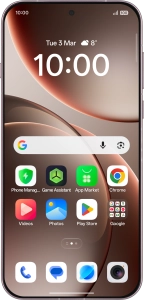
OPPO Find X9 Pro 5G
Android 16
Restore factory default settings
If your phone gets slow or doesn't work as it usually does, it may help to restore the factory default settings. All settings and configurations you've made on your phone are deleted.

1. 1. Find "Reset phone"
Slide your finger downwards starting from the top right side of the screen.

Press the settings icon.

Press System & update.

Press Back up & reset.

Press Reset phone.

2. 2. Restore factory default settings
Press Erase all data.

Press the required setting.

Press Clear. Wait a moment while the factory default settings are restored. Follow the instructions on the screen to set up your phone and prepare it for use.