
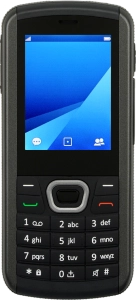
Help and Support for
MobiWire Dakota
Proprietary OS
Choose a help topic
Transfer files between computer and phone
You can transfer files, such as pictures or audio files, between your computer and your phone. Please note that the following steps are based on Windows OS which means the instructions do not correspond with other operating systems.