Apple iPad Air 13 (M3) (2025)

Apple iPad Air 13 (M3) (2025)
iPadOS 18

Short battery life on my Apple iPad Air 13 (M3) (2025) iPadOS 18
Cause 13 of 14: Low Power Mode has been turned off

You can reduce the power consumption by turning on Low Power Mode.

Solution: Turn on Low Power Mode.

Step 1 of 4

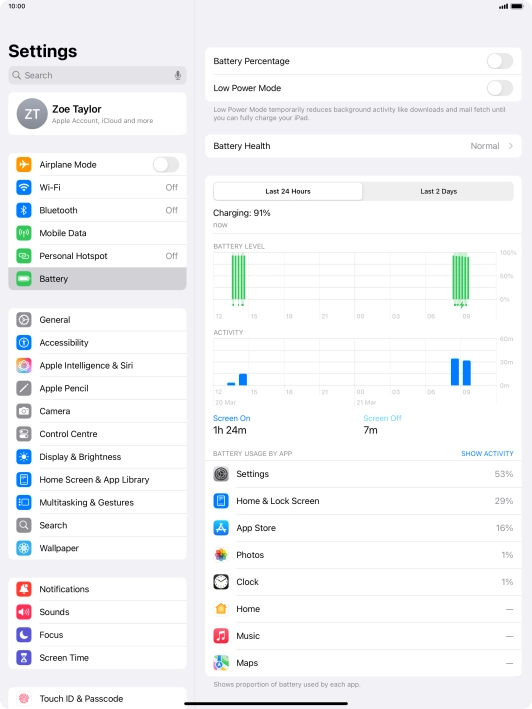
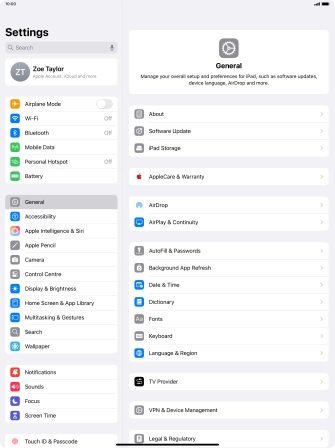
Find "Battery"

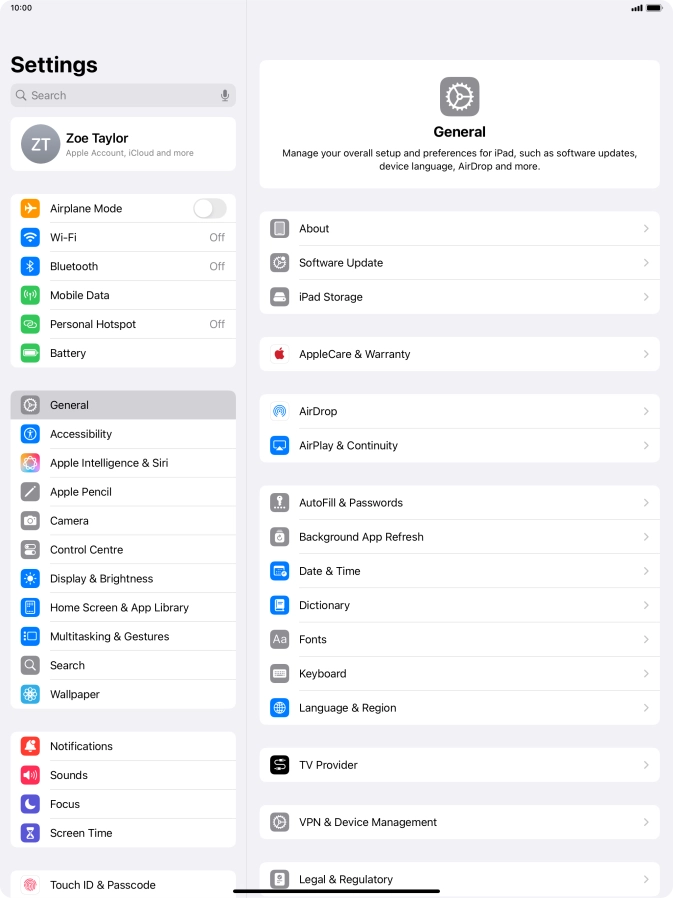
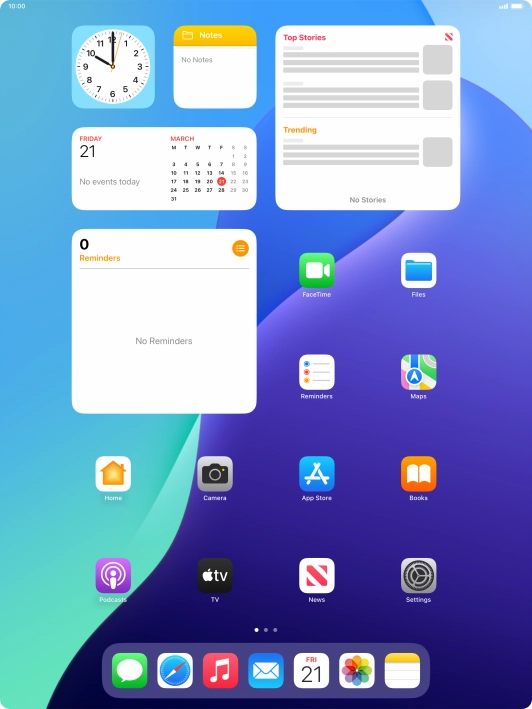
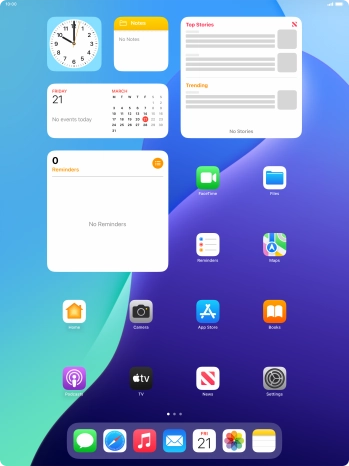
Press Settings.

Step 2 of 4

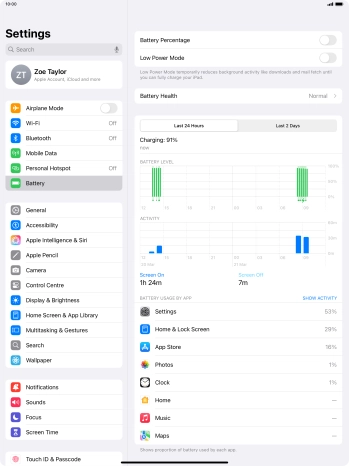
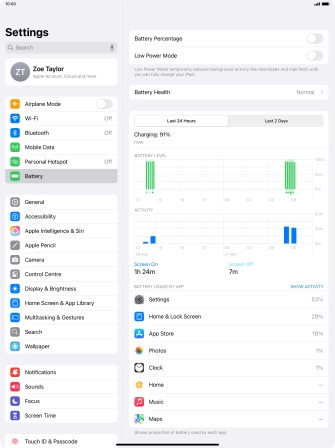
Find "Battery"

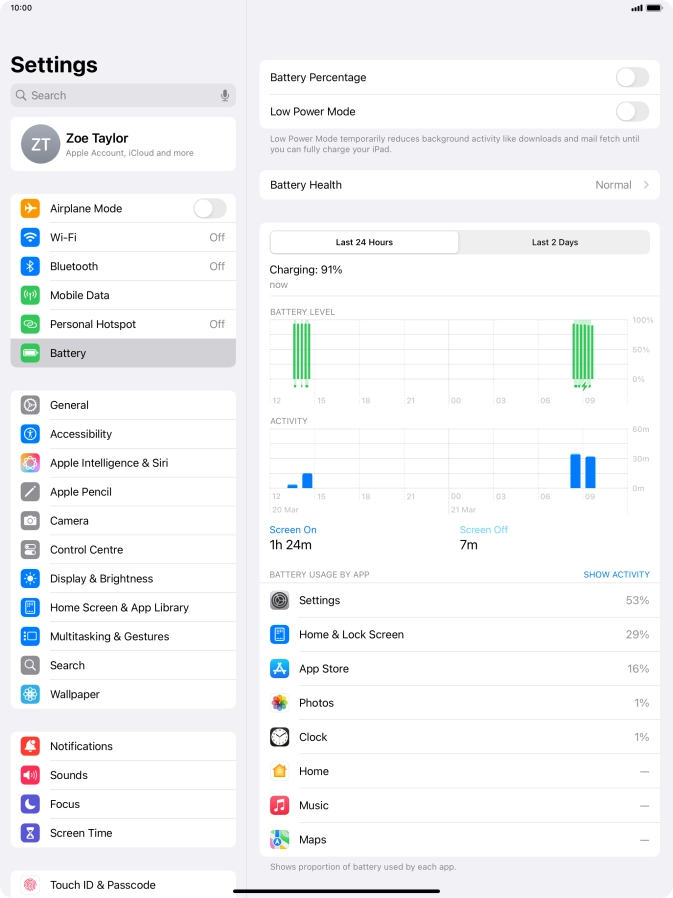
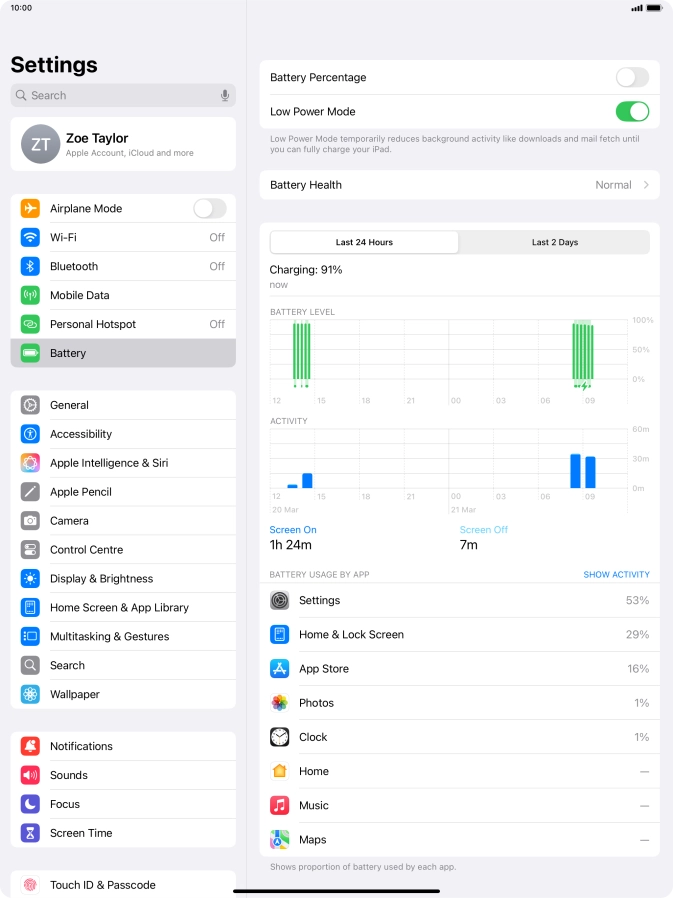
Press Battery.

Step 3 of 4

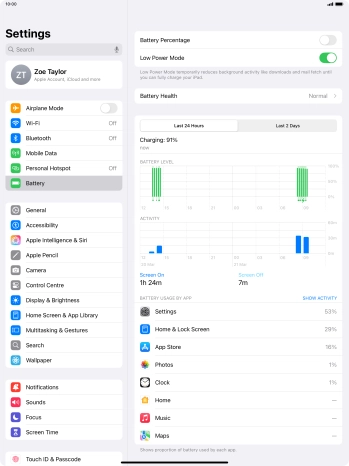
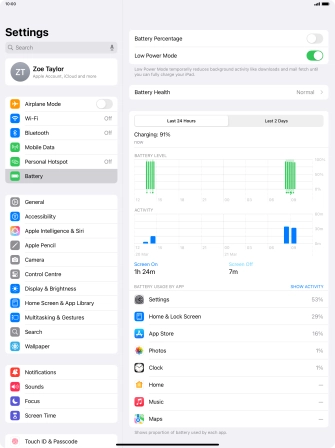
Extend the battery life

Press the indicator next to "Low Power Mode" to turn on the function.
Step 4 of 4

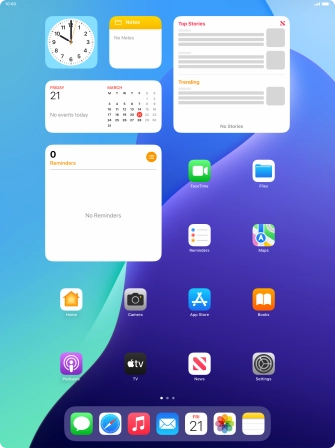
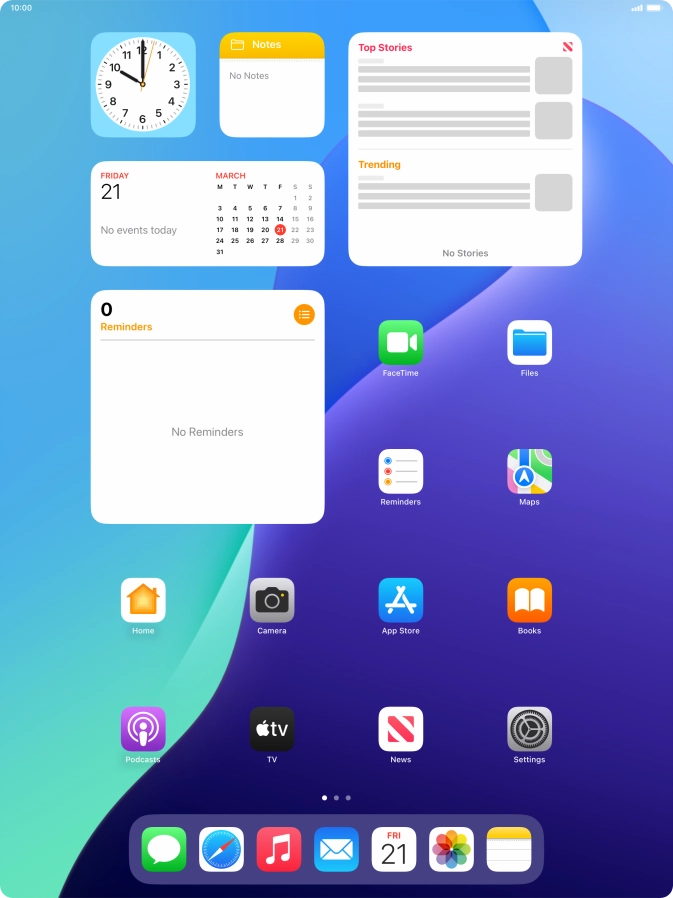
Return to the home screen

Slide your finger upwards starting from the bottom of the screen to return to the home screen.

1 Find "Battery"

Press Settings.
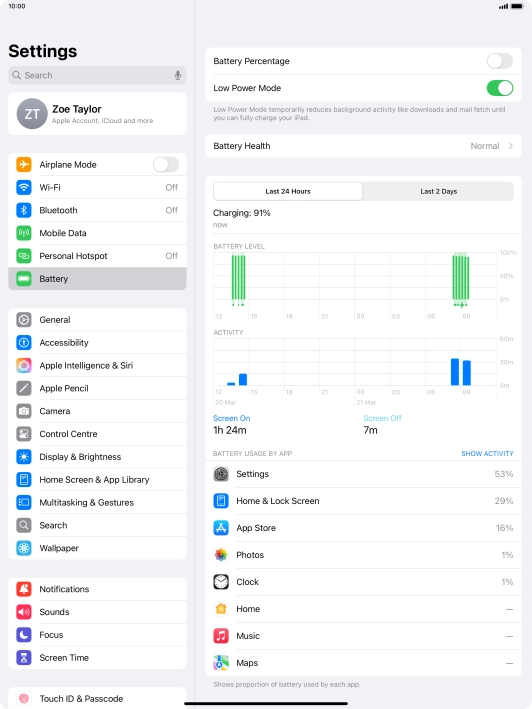
Press Battery.

2 Extend the battery life

Press the indicator next to "Low Power Mode" to turn on the function.
3 Return to the home screen

Slide your finger upwards starting from the bottom of the screen to return to the home screen.

Did this solve the problem?

Yes - All solved No - Go to next cause

Get information on...

Or select...

Another device

Customer Impacting Events

Mobile ›
Excellent Very Good Good Fair Low No Connection
Landline & Broadband ›
Excellent Very Good Good Fair Low No Connection
main_icn_Play_arrow main_icn_Chevron_down main_icn_Chevron_right main_icn_Chevron_left main_icn_Chevron_up

Internet Explorer Not Supported

Please note that we do not support Internet Explorer. For optimal browsing we recommend Chrome, Safari, or Firefox.