
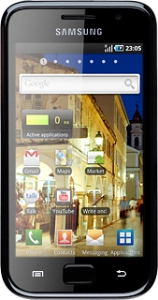
Samsung Galaxy S
Help and Support for

Samsung Galaxy S

Choose a help topic

When you turn on the phone, it automatically selects a network within range. In certain circumstances, it might be useful to select a network manually, for example when you are abroad where different networks are available (depending on which operators your operator has roaming agreements with). Follow these instructions to choose network.



Customer Impacting Events

Mobile & Wireless Broadband ›
Excellent Very Good Good Fair Low No Connection
Fixed Line (Fibre, DSL, HFC) Broadband & Landline ›
Excellent Very Good Good Fair Low No Connection
main_icn_Play_arrow main_icn_Chevron_down main_icn_Chevron_right main_icn_Chevron_left main_icn_Chevron_up
WEB main_icn_Menu main_icn_Close

Message us

Scan the QR code with your mobile
X