
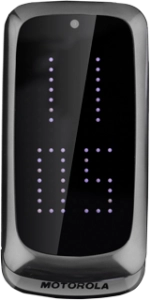
Motorola Gleam+
Help and Support for

Motorola Gleam+

Choose a help topic

The phone lock code protects the contents of your phone from unauthorised use. If the phone lock code is turned on, it needs to be keyed in when you turn on your phone. Follow these instructions to change the phone lock code.




Customer Impacting Events

Mobile & Wireless Broadband ›
Excellent Very Good Good Fair Low No Connection
Fixed Line (Fibre, DSL, HFC) Broadband & Landline ›
Excellent Very Good Good Fair Low No Connection
main_icn_Play_arrow main_icn_Chevron_down main_icn_Chevron_right main_icn_Chevron_left main_icn_Chevron_up
WEB main_icn_Menu main_icn_Close

Message us

Scan the QR code with your mobile
X