
Help and Support for
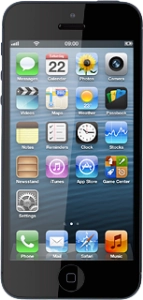
Apple iPhone 5
Choose a help topic
You can save tickets, saver cards, boarding passes and more in your phone so you always have access to them when you need them. Before you can use Passbook, you need to install an app from a provider which supports the functionality. When you arrive at a location where you can use your pass, a QR code, which is to be scanned by a QR scanner on the location, will show on your phone's lock screen. Follow these instructions for an example on how to use Passbook.