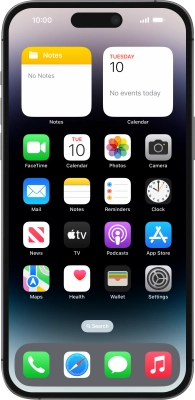
Help and Support for
Apple iPhone 14 Pro Max
Choose a help topic
I can't use Wi-Fi on my Apple iPhone 14 Pro Max iOS 17
Cause 3 of 4: You're not logged on to a Wi-Fi network via the browser
Some Wi-Fi networks require you to log on via a web page.
Solution: Open the internet browser on your phone and try to load a web page. The internet browser is redirected to the homepage of the Wi-Fi network. Follow the instructions on the screen to log on to the Wi-Fi network.